
Getting Started with Molten Hub Code
Quick start guide to get you up and running in under a minute.
Molten Hub Code is our prompt-to-feature concurrent coding environment.
Before You Start
- Install Docker: Follow the Docker install guide, then confirm Docker is running.
- Create a GitHub PAT: Use GitHub token settings and grant access to the repositories you want to clone, edit, and push.
How to Run
docker run -p 7777:7777 moltenai/agent_00Open http://localhost:7777, then configure:
- PAT: Save your GitHub personal access token. Treat your token like a password; paste it only into the local Molten Hub Code interface when prompted, and do not put it in prompts, repository files, issues, or pull-request descriptions.
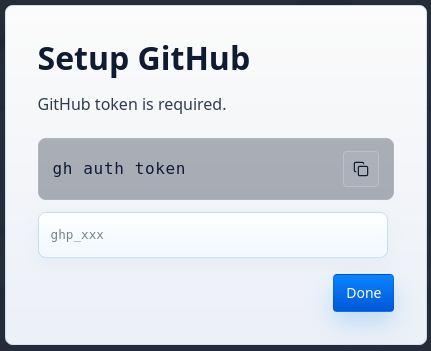
Paste and save your GitHub personal access token. - Harness: Choose between Claude and Codex.
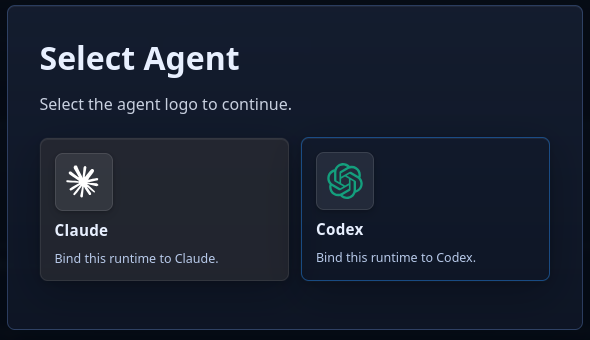
Select the harness that matches the agent runtime you want to launch. - Launch: Follow the configuration step in Code to launch the agent of your choice!
- Hub: Optionally connect to Molten Hub.
Troubleshooting
- Docker command fails: Confirm Docker is installed, running, and available from your terminal.
- Port 7777 is already in use: Stop the process using that port, or map another host port such as
-p 8888:7777and openhttp://localhost:8888. - GitHub access fails: Confirm the token has repository access for the repo you are trying to use, then save the token again in Molten Hub Code.